- wisetech
Uncategorized
Share on:-

Share on:-
Imagine launching a new healthcare website, appointment platform, or patient management system.
Everything looks great.
Then someone asks:
“Is this system actually secure and compliant?”
Suddenly, the project that was supposed to simplify operations becomes a scramble involving vendors, permissions, policies, data flows, security settings, and documentation.
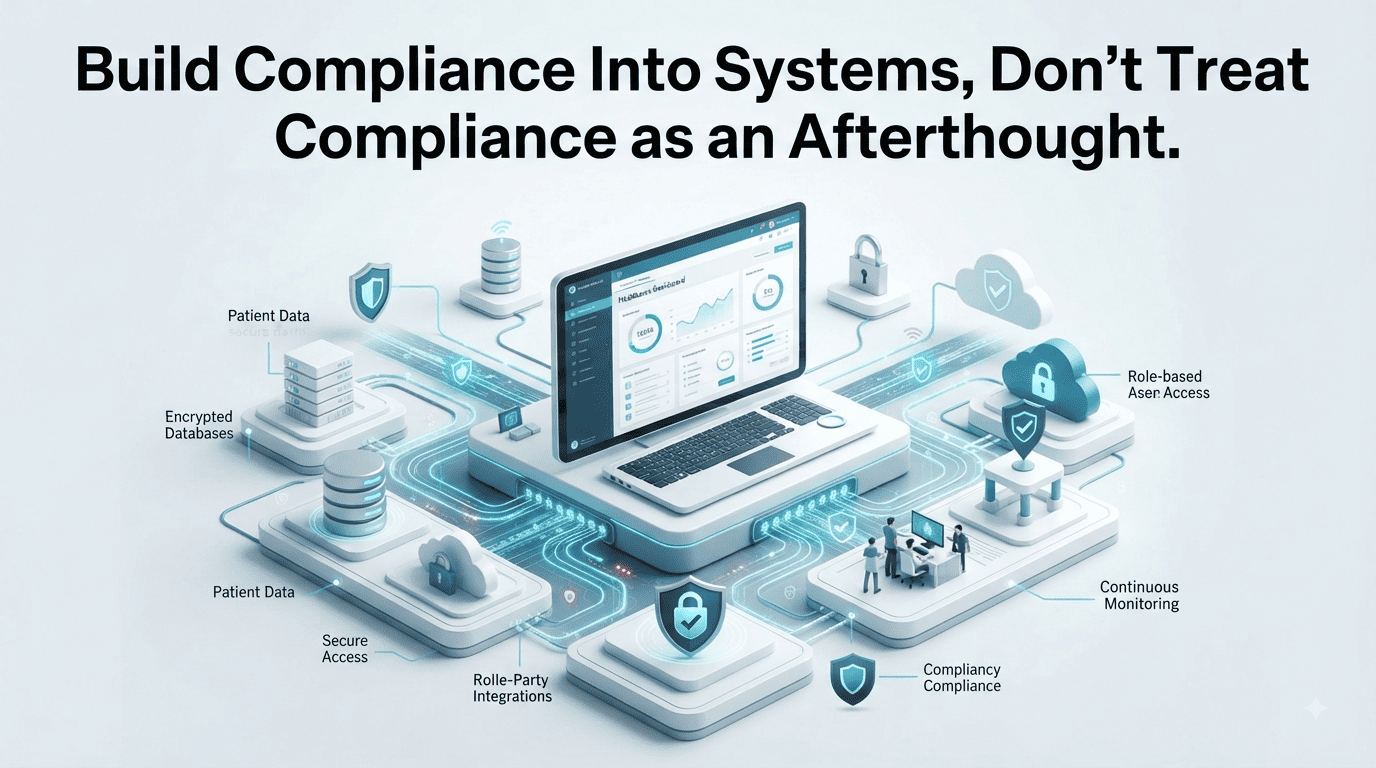
This is exactly why healthcare organizations should build compliance into systems from the beginning instead of treating it as an afterthought.
Compliance isn’t simply a document or checkbox. It should influence how your digital infrastructure collects, stores, accesses, processes, and protects sensitive information.
The strongest approach is to consider security, privacy, and applicable compliance requirements while designing your digital systems.
Think about compliance during:
This makes compliance part of the architecture rather than something added after implementation.
Waiting until a system is finished can create expensive rework.
You may discover that:
Fixing these issues after deployment can be considerably more disruptive than considering them during development.
Before securing information, understand what you’re actually protecting.
Map the types of information your clinic collects, such as:
Then identify where that information travels.
Collect → Process → Store → Share → Archive/Delete
This gives your team a clearer picture of the digital environment.
More data isn’t automatically better.
Every additional piece of sensitive information can create additional responsibilities around storage, access, protection, and retention.
Before adding a field to a patient form, ask:
“Do we actually need this information?”
If the answer is no, don’t collect it unnecessarily.
Not every employee needs access to every system or patient record.
Use appropriate access controls based on job responsibilities.
For example:
Front desk: Scheduling and basic administrative information
Clinicians: Information required for patient care
Finance: Billing and payment information
This principle of least privilege reduces unnecessary exposure.
Shared accounts may appear convenient.
They’re also difficult to audit and can make it harder to determine who accessed or changed information.
Use individual accounts, appropriate permissions, strong authentication, and access reviews.
Your digital infrastructure rarely consists of one platform.
A clinic may use:
Each connection deserves consideration.
Understand what information is being transferred, why it’s transferred, who processes it, and what contractual and security safeguards apply.
“There’s an integration for it” isn’t enough.
Before connecting two systems, determine:
What data moves?
Where does it go?
Who can access it?
How is it protected?
A convenient integration can still create unnecessary risk if its data flow isn’t understood.
Digital infrastructure changes constantly.
New employees join.
Software gets updated.
Vendors change.
New integrations are added.
Workflows evolve.
Your compliance and security practices should evolve with them.
Schedule regular reviews of:
A system that was appropriate two years ago may no longer match your current operations.
Regular reviews help identify problems before they become larger operational issues.
Even strong security practices cannot guarantee that incidents will never occur.
Preparation matters.
Create documented procedures covering:
Your team should know what to do before an incident happens.
A security incident is the worst time to start asking:
“Who is responsible for this?”
Preparation reduces confusion when response time matters.
The best compliance practices don’t exist separately from everyday operations.
They become part of how your organization:
Designs → Collects → Stores → Accesses → Shares → Protects → Reviews
digital information.
When responsible data handling is integrated into normal workflows, compliance becomes easier to maintain.
If compliance depends entirely on one person remembering a checklist, it can easily fall behind.
Instead, embed appropriate controls into:
The system should make the right behavior easier.
Build compliance into systems.
Treat compliance as an afterthought.
The difference is significant.
When compliance is considered from the beginning, healthcare organizations can reduce avoidable rework, improve data protection, and create stronger digital foundations.
Healthcare compliance doesn’t need to become an overwhelming project.
Start with the fundamentals:
Understand your data.
Secure your infrastructure.
Control access.
Evaluate vendors.
Minimize unnecessary data collection.
Monitor your systems.
Review and improve continuously.
The objective isn’t to bolt compliance onto an existing system after everything has been built.
Build the system with security, privacy, and applicable compliance requirements in mind from the beginning.
Compliance requirements vary by jurisdiction, organization, systems, and the type of information processed. This article is educational and should not be treated as legal or compliance advice.
At WiseTech Informatics, we are always open for business. If you are looking for a reliable web development company, we are always available. You can reach us via any of our contact channels today to book an appointment.